See every Meta Pixel event, live
Watch your pixel events as you click through your own shop, check each parameter and fix errors before they cost you ad budget. Works with the Meta Pixel that used to be called the Facebook Pixel.
- Stays on your device
- 5-day history
- 14 languages
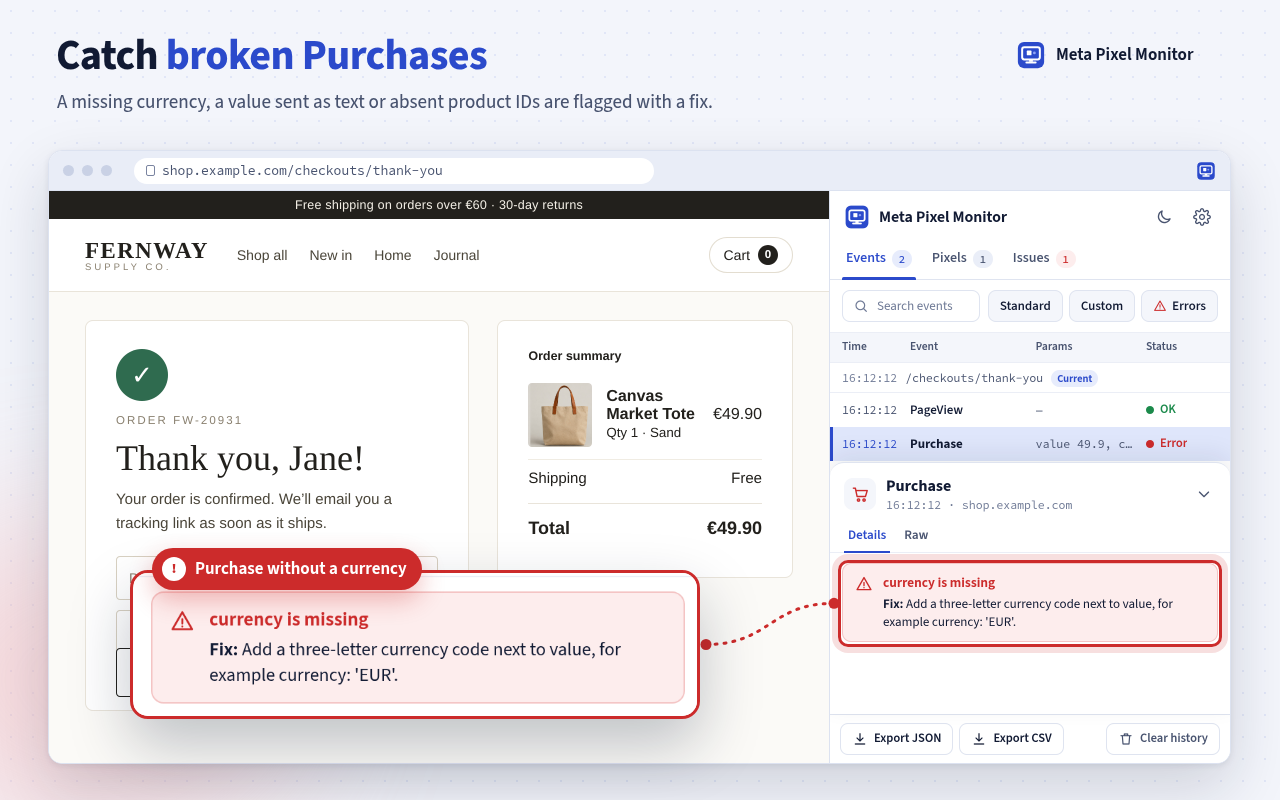
currency is missing
Fix: add a three-letter currency code next to value.
How it works
Three steps from install to a clean pixel
- Step 1
Add it to Chrome
Install the free extension and click its icon. The monitor opens in the side panel next to your website.
- Step 2
Use your site like a customer
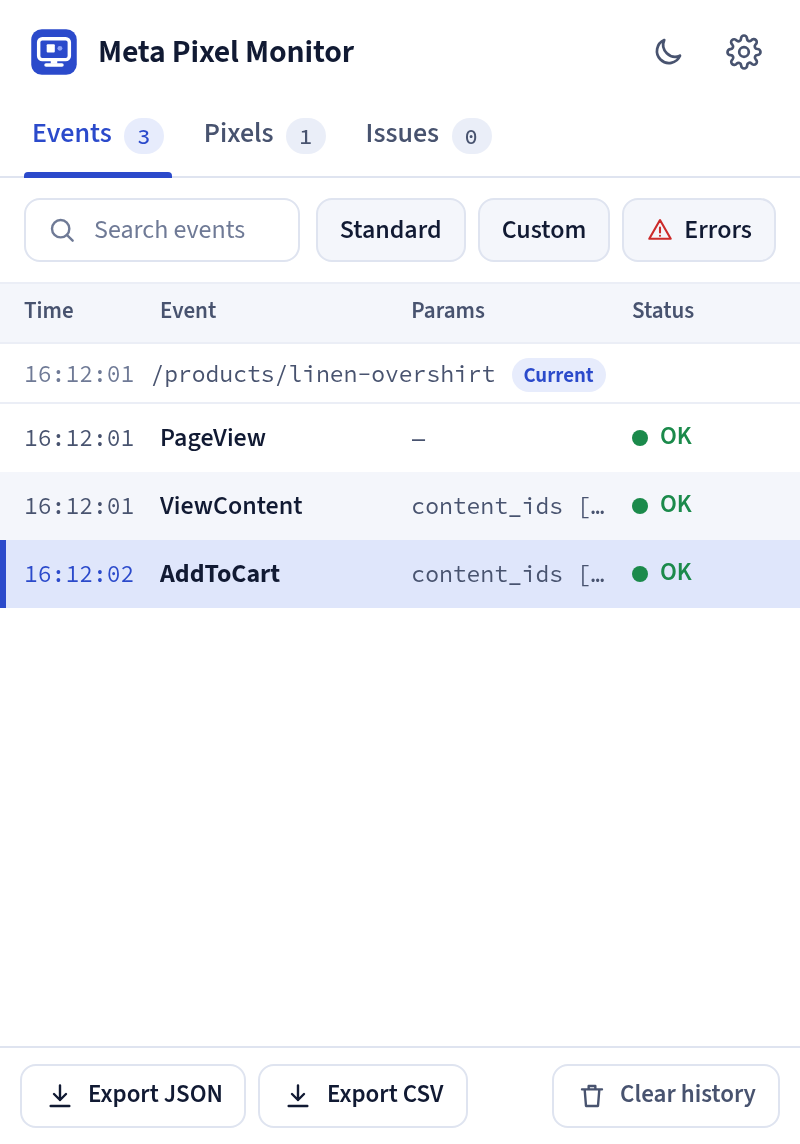
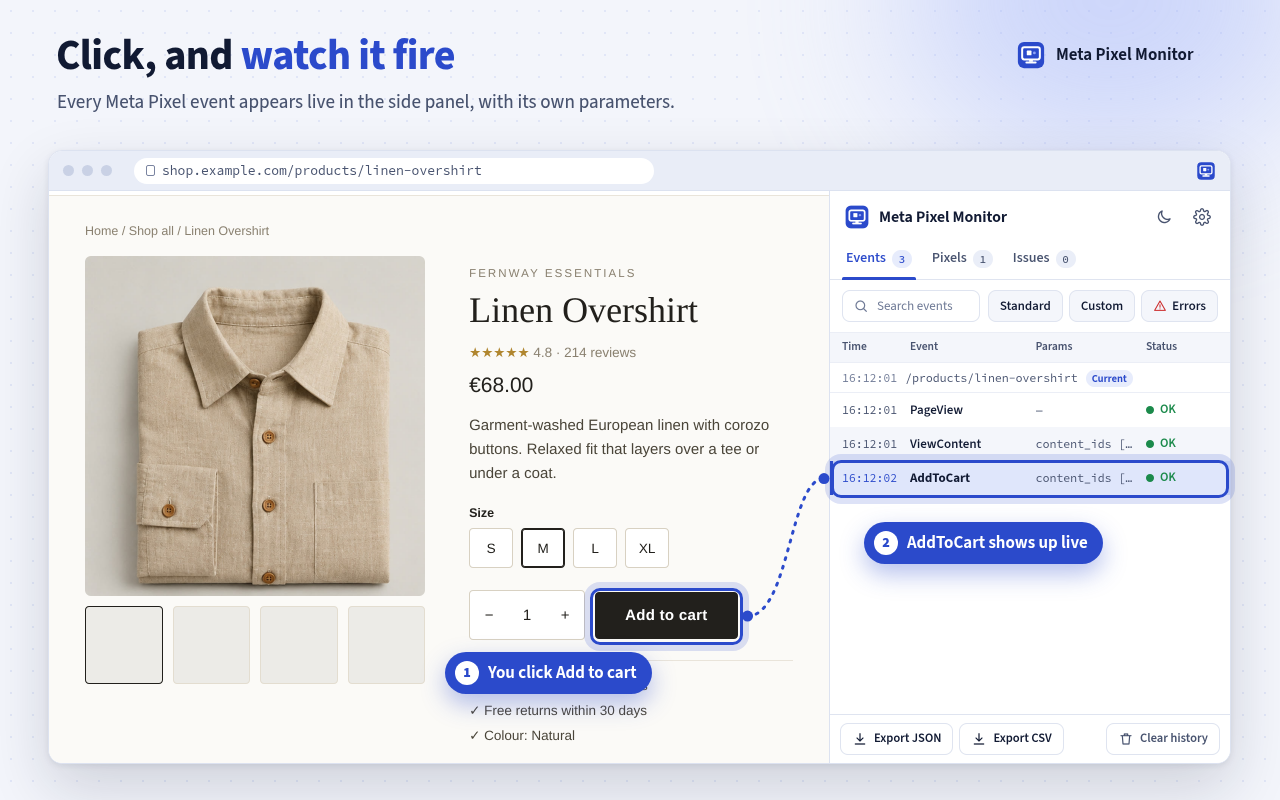
Open a product, add it to the cart and check out. Every pixel event appears in the table the moment it fires.
- Step 3
Read the fix, then check again
Click a row with a warning or an error. The drawer explains the problem in plain words and shows how to fix it.
A live table of everything your pixel sends
Time, event name, its own parameters and a clear status for each row. Search and quick filters for standard events, custom events and errors keep long sessions readable.
- Detail drawer with the fix and a Raw view you can copy
- Route changes in single-page shops are grouped
- Export a site as JSON or CSV
Every pixel on the page at a glance
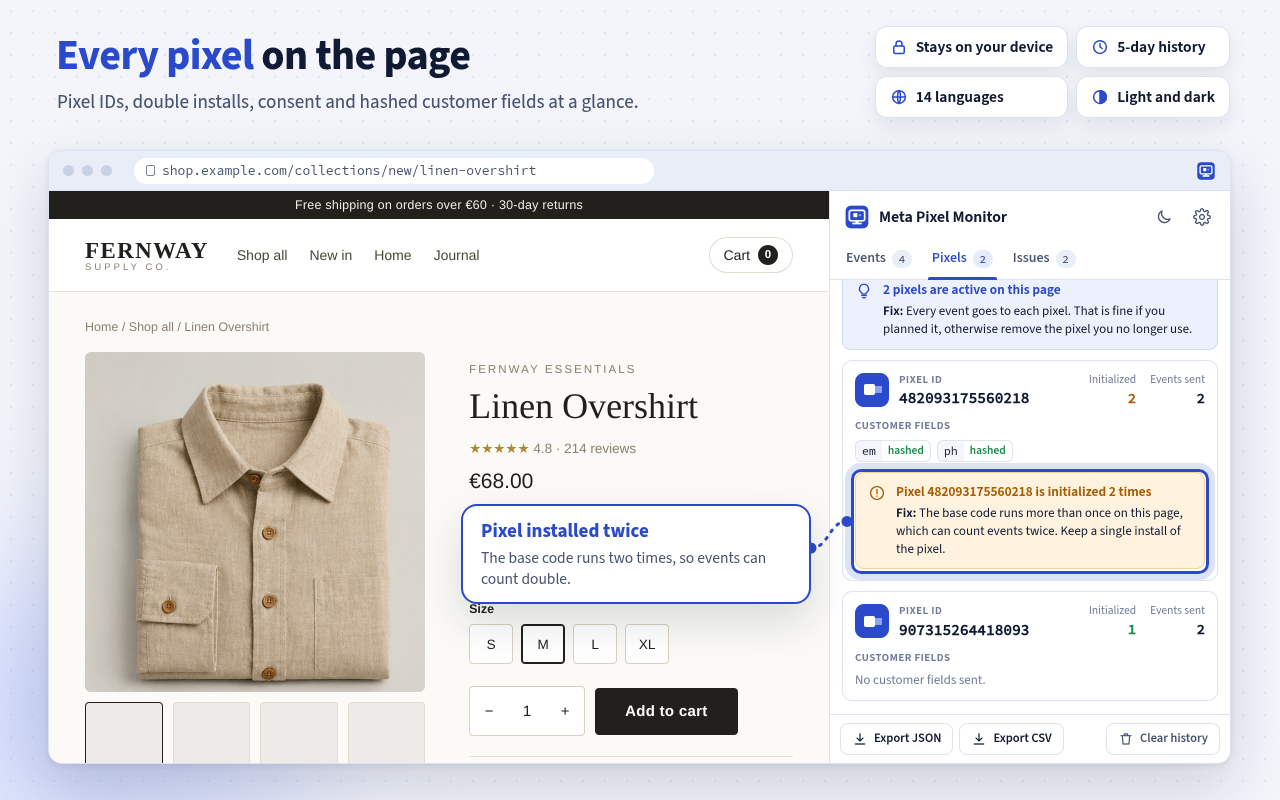
See each pixel ID with how often it was initialized, the library version, the consent state, Limited Data Use and whether customer fields were hashed.
- Spots a pixel that is installed twice
- Shows when two pixels share one page
- Checks the first-party browser cookie
Problems sorted by how much they matter
Errors come first, then warnings, then tips. Every entry explains what went wrong and how to fix it, and one click takes you to the event that caused it.
- Written for website owners, not only for developers
- Counts repeated problems instead of repeating them
- Optional alerts for new errors
Checks
The mistakes that quietly break ad reporting
Every event is checked the moment it fires. Each problem comes with a severity and a short fix.
- ErrorPurchase without a value or a currency
- ErrorCurrency code that does not exist
- ErrorValue sent as text instead of a number
- ErrorEvent called in the code but never sent
- ErrorPixel library that never loaded
- ErrorEmail or phone number inside the data
- ErrorPixel ID in the wrong format
- WarningProduct events without product IDs
- WarningProduct IDs that are not sent as a list
- WarningMisspelled parameter names
- WarningStandard events with the wrong spelling
- WarningThe same event twice within two seconds
- WarningAn event ID used more than once
- WarningPixel installed twice on one page
- WarningMissing PageView on a page
- WarningCustomer data that is not hashed
- WarningMissing first-party cookie or ad click ID
- WarningConsent revoked on the page
- TipNo event ID yet for later deduplication
- TipLimited Data Use switched on
Privacy
Private by design
The monitor reads only what your page sends to Meta. Nothing is sent anywhere else.
Runs in your browser
No server, no account, no analytics and no network requests of its own.
No customer values
Emails and phone numbers are removed. For customer fields only the name and the hashed state are kept.
Deleted after 5 days
Events stay on your device for 5 days. Clear one site or everything at any time.
Quiet by default
Error notifications are off until you turn them on, then at most one per tab per minute.
Questions and answers
How do I test and debug my Meta Pixel events?+
Install the extension, open your website and click the toolbar icon to open the side panel. Browse your site and do what you want to test, such as adding a product to the cart. Each event appears with its parameters and a status. Click an event with a warning or an error to read the fix.
Is it free?+
Yes. Meta Pixel Monitor is free to use, with no account, no trial and no paid plan.
Does it work with the old Facebook Pixel?+
Yes. The Facebook Pixel was renamed Meta Pixel and uses the same code, so every pixel event is checked the same way.
Why does an event show "Not sent"?+
The page called the pixel code, but no request reached Meta within a few seconds. A consent tool, an ad blocker or a script error usually causes this, and the Issues tab tells you which one is likely.
Does it collect my data or my visitors' data?+
No. Everything stays in your browser. The extension makes no network requests of its own, never stores customer values and deletes captured events after 5 days.
Does it see events sent from my server?+
No. The monitor checks the events that leave the browser. It does not see events your server sends to Meta.
Is it made by Meta?+
No. Meta Pixel Monitor is an independent tool and is not affiliated with, endorsed or sponsored by Meta Platforms, Inc.
Check your pixel before your next campaign
Install it in a few seconds and see what your pixel really sends.